
Example use case
Learning plan
Review completed results alongside participant goals and other observations. Choose one useful next step for the learning plan.
Students join with a class code and their name. The grade band determines their assessment path. Review completed results by class in the school dashboard.
Result
CEFR
Task-based level estimate
Path
Tasks
Based on the selected flow
Follow-up
Dashboard
Participation and completed results


Tasks
Responses form the result
Browser
Online participation
Report
Feedback on completed sections
Plan
Choose a next step
Materials, methodology and reference sources
The cost of unmeasured course planning
Bring participation and completed results together to plan the next step. Consider goals and other evidence when interpreting a short assessment.
We don't know our students' real levels
The assessment starts with 8 multiple-choice questions, with later questions selected from earlier responses. Short speaking tasks follow when the flow requires them. Results are CEFR level estimates based on completed sections, not official certificates.
Task-based feedback
Testing lands on the teachers
Discuss how participants use English and what they want to improve. Use the result to help choose a practical learning focus.
A practical next step
Email and permission logistics stall everything
Consider the assessment alongside other observations and the conditions in which tasks were completed.
Context matters
Results are scattered and incomparable
Review participation in the dashboard and offer help when a participant has technical difficulties.
Dashboard follow-up
Use the assessment as a starting point, together with learning goals, relevant observations and further evaluation when needed.
School testing in 3 steps
No student rosters to upload, no emails to collect, no chasing participation. Create the class, share the code; joining, scoring and reporting run on their own.

Open the panel with your school name and email. Pick a class name like "9-A" and its grade band — the system generates a class-specific join code and QR.
Start from the dashboard

Students open the join page and type the code and their name — no email, phone or password. Primary/middle-school students get the kid-friendly speaking test; high-schoolers get the adaptive CEFR test.
Track participation
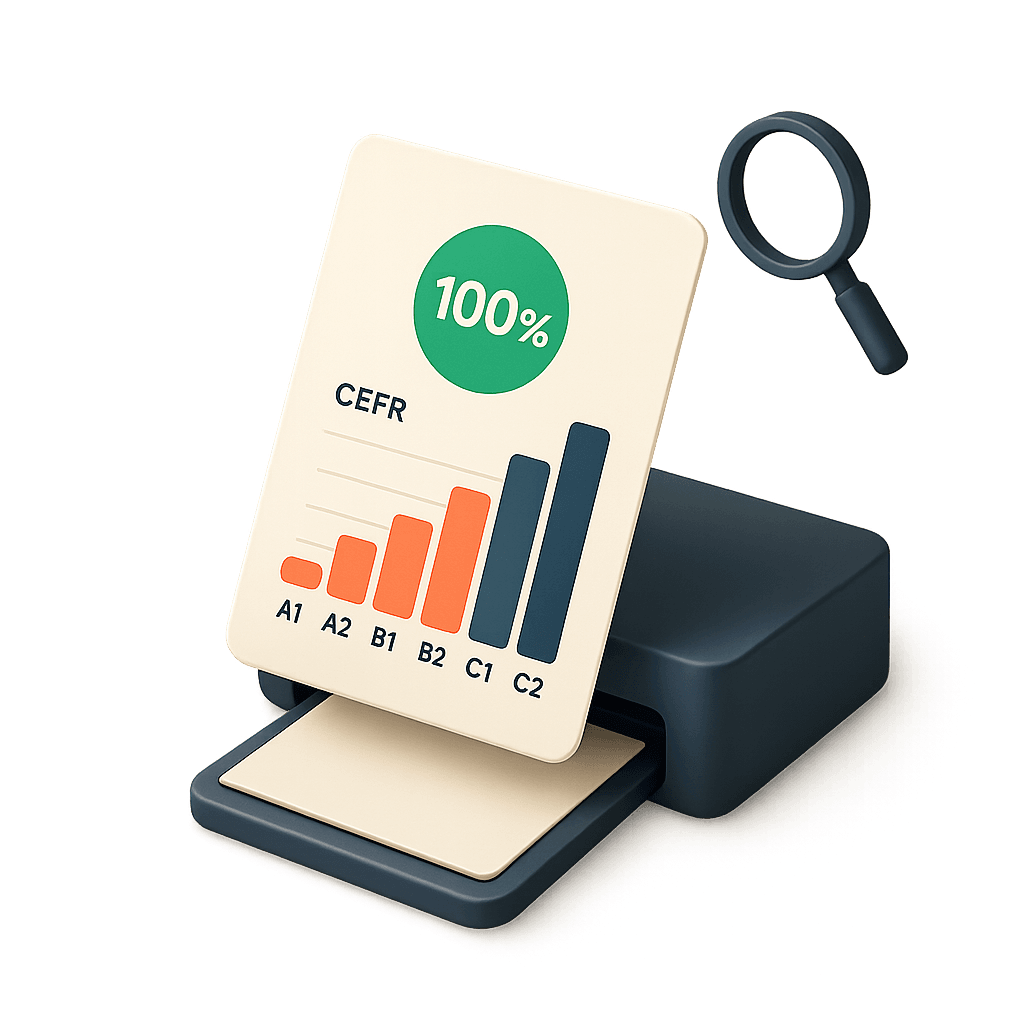
Each student's CEFR level appears as they finish. Filter by class, watch completion live, remove junk entries with one click.
Review completed results
Student data kept to a minimum: Students join with a class code and their name, without email or phone details. Responses, results and voice recordings in speaking tasks are processed. The school manages the necessary parent information and permissions.
The pedagogy behind the test
Students join with a class code and their name. The grade band determines their assessment path. Review completed results by class in the school dashboard.
Flow
Review the instructions and prepare the device before starting.
The adult and upper-school flow starts with 8 questions selected in response to earlier answers.
The flow may request short recordings. Younger school grade bands use speaking tasks.
Review the feedback available from completed sections and plan a useful next step.
Later questions are selected using earlier responses. A short question set samples language use; it does not cover every skill.
Adaptive question path
Read feedback in the context of the sections the participant completed.
Task-based feedback
Ask participants to respond without help so the result reflects their own work.
Clear instructions
Consider available uncertainty notes and use additional work or a conversation for borderline results.
Plan with context
This is a browser-based assessment, not a proctored exam or a guarantee against outside assistance.
Plan supervision as needed
Pronunciation and fluency feedback requires completed recordings and available analysis. Written tasks alone do not measure these skills.
Based on available recordings
This short assessment is not an official certificate. Interpret the estimate alongside goals, task conditions and further evaluation when needed.
This illustrative report preview introduces possible feedback. Actual details depend on the completed sections and available analysis; the sample is not a participant’s result.
The live preview is a sample report detail; the school panel lists a CEFR level and score per student, filterable by class.
What does this tab show?
The student's CEFR level, speaking pace and personalised feedback notes.
Highlighted data
Task-based level estimate
Explore your school’s learning needs.
Open your dashboard, start the assessment and review completed results.
Why Flalingo for schools
Prepare the participant instructions, start the assessment and review completed results. Plan device setup and support where needed.
Review names and access details before participants start. Use the dashboard to check the status of their assessment.
Review before you start
Check who has started or completed the assessment. Consider technical difficulties or additional time needs before following up.
Track completion status
Participants open their assessment link, read the instructions and continue with the relevant tasks.
Browser-based access
Read the Flalingo Privacy Policy and the relevant privacy notice for details about data processing and retention. Contact kurumsal@flalingo.com for requests concerning your data.
Privacy information
Read the available feedback alongside learning goals and other observations. A short assessment is one source of information.
Plan with context
Use a supported browser and internet connection. Speaking tasks also need a microphone and a suitable recording environment.
Device preparation
Example use cases
These examples show ways to use the assessment. Adapt them to your organisation’s goals.
Example use case
Review completed results alongside participant goals and other observations. Choose one useful next step for the learning plan.
Example use case
Check participation status and offer help with device or connection issues. Plan appropriate follow-up for incomplete assessments.
Illustrative scenarios, not customer testimonials or guaranteed outcomes.
Frequently asked questions
If you didn't find the answer here, you can reach us at kurumsal@flalingo.com .
Students enter a class code and their name. They do not provide an email, phone number or account password. Speaking tasks collect voice recordings as part of the assessment.
Primary and middle-school classes use children’s speaking tasks. Upper-school classes start with the 8-question adaptive path and continue to speaking when required. The school selects the grade band.
Time varies by grade band, response speed and device setup. Check internet access and microphones, and arrange the room so students’ voices do not interfere with each other’s recordings.
The school module starts with 100 student participation records. Joining can use quota before a test is completed. Check remaining quota when planning repeat participation; contact the corporate team for additional capacity.
The school administrator declares that the necessary parental permissions have been obtained. Explain the selected test path and data scope, including voice recordings where applicable, and consult the relevant privacy notices.
Completed results are listed by class in the school dashboard. The student’s end screen reports participation or assessment status. Share class results only with authorised people.
Uploads and analysis may take time. Refresh the dashboard and check the status. A pending result is not evidence of low ability or a failed test.
No. School registration does not require a corporate email domain. Use an address accessible to the authorised administrator and keep the sign-in link private.
The page shows illustrative examples. Actual report details depend on the completed tasks and available analysis. Use the short assessment alongside teacher observations rather than as the sole basis for placement.
Your decision, backed by data
Invite participants, follow completion and review the available feedback. Choose the next step with their goals in mind.
Confirm the scope together
Assessment and paid education packages are separate services. Lesson content, fees and applicable conditions are specified in the offer.